
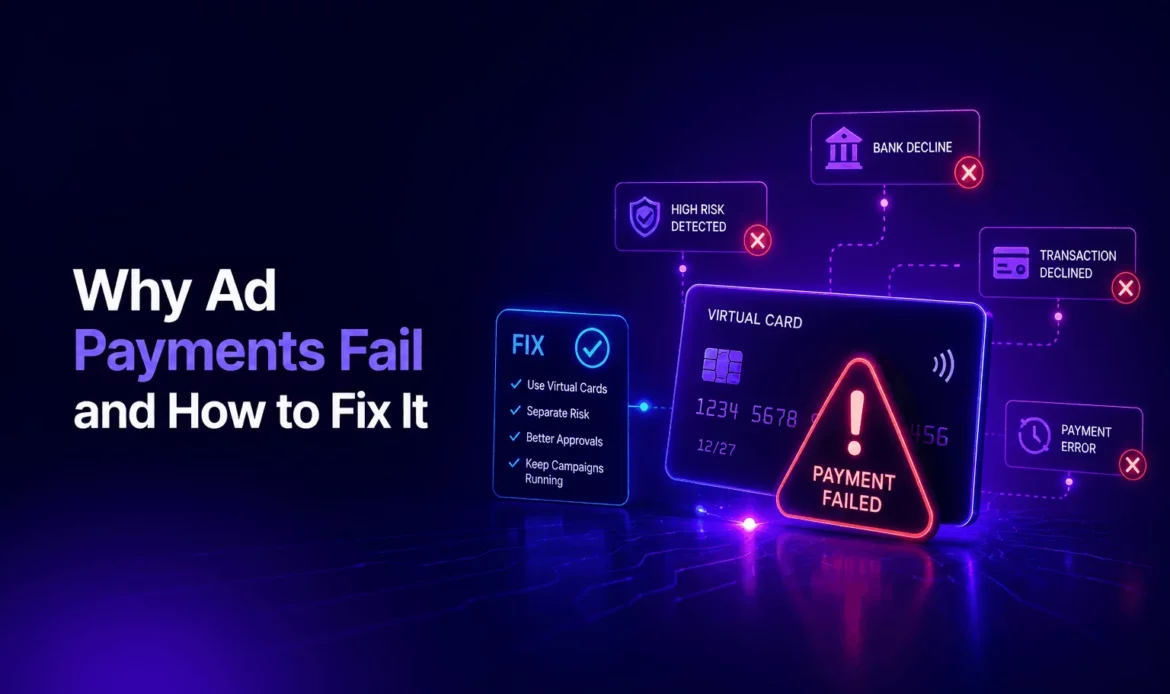
To understand why ad payments fail, look at the whole billing process, not only at the card. A payment can break when you add a card, when the platform charges at its threshold, when a prepaid balance runs out or when a debt from an earlier failure blocks new charges. Each point has its own fix.
This guide follows the payment through the ad platform and gives a step-by-step procedure for the moment a charge has failed. The reasons a card itself gets declined, such as balance, BIN or issuer anti-fraud, are covered separately in Card Declines in Advertising: Real Reasons Explained.
Contents
- How Ad Platforms Take Your Money
- Why Ad Payments Fail: Where the Process Breaks
- What Happens After a Failed Charge
- How to Fix a Failed Ad Payment, Step by Step
- Prepaid or Threshold: Which Fails Less
- A Balance Rule That Keeps Payments Passing
- Summary
How Ad Platforms Take Your Money
Facebook, Instagram, Google, YouTube, TikTok and X use variations of the same models. Knowing which one your account uses tells you where to look when something goes wrong.
| Model | When money is taken | What a failure looks like |
|---|---|---|
| Threshold (automatic) | When spend reaches the threshold or on a billing date | A failed charge and an outstanding balance |
| Prepaid (manual) | Before spend, when you add funds | Funds do not arrive, ads stop when the balance hits zero |
| Monthly invoicing | After the month, by invoice | Rare for media buyers; needs an agreement with the platform |
Most media buying accounts run on thresholds. That model is convenient, but it creates a debt every time a charge fails.
Why Ad Payments Fail: Where the Process Breaks
When You Add the Card
The platform checks the card when it is added, sometimes with a small temporary authorization. If the card is rejected here, the cause is almost always the card data, the card type or an account that is already restricted.
At the Threshold Charge
This is the most common point of failure. The threshold grows with the account’s history, so a charge that is several times larger than the daily spend can arrive at any moment. If the card cannot cover it, the charge fails.
When an Old Debt Blocks New Charges
After a failed charge, the platform keeps the unpaid amount on the account. Until it is paid, delivery usually stays paused, even if you top up the card. The platform has to charge the card again, either by its own retry or after you pay manually.
When the Account Itself Is Under Review
If the ad account is restricted or under review, payments may not be processed at all. In this case nothing shows up on the card side, and changing the card will not help. What to do with a suspended account is described in Ad Account Suspended: A Payment Recovery Checklist for the First Days.
What Happens After a Failed Charge
Platforms react in roughly the same order. Delivery pauses, the account shows a payment warning and the platform tries to charge again later. If the retries also fail, the warning stays and the account may be checked more closely. Repeated failures over weeks are one of the signals that can lead to restrictions, so it pays to fix the first one quickly.
How to Fix a Failed Ad Payment, Step by Step
- Read the billing section. Note the failed amount, the outstanding balance and any warning text.
- Check the transaction history of the card. If the declined attempt is there, the cause is on the card side. If there is nothing, look at the ad account status.
- Fix the cause. Most often this means topping up the balance to cover the outstanding amount plus the next threshold charge.
- Retry once. Pay the outstanding balance manually if the platform allows it, or wait for its automatic retry. Avoid a series of attempts within minutes.
- Change the payment method if it fails again. Issue a new card, add it to the account and make it the primary method. Our cards are issued in about 60 seconds.
- Close the old card. Only after the new card has passed a charge. Closing is one click and takes effect immediately.
- Check that delivery has resumed. Then set a balance rule, as described below, so the next threshold charge passes.
Prepaid or Threshold: Which Fails Less
On a prepaid account a failure is visible before spend: the funds simply do not arrive, and no debt appears. On a threshold account delivery is smoother, but a failed charge leaves an unpaid amount. Some platforms fix the payment type when the account is created, so choose it at the start. If you work on thresholds, the balance rule below matters most.
A Balance Rule That Keeps Payments Passing
Keep enough on the balance to cover the spend until your next top-up plus one threshold charge. Example: 10 accounts spend €300 a day each, which is €3,000 a day. If you top up every three days, you need €9,000 for spend and about €1,000 of margin for a threshold charge, so roughly €10,000 on the balance.
Each €9,000 top-up costs €315 on Base (3.5%), €225 on Mid (2.5%) or €153 on VIP (1.7%). Funding goes through USDT, USDC, ETH or a SEPA transfer, with a $500 minimum deposit; plan the top-up date with the time your method needs in mind. The crypto route is described in How to Top Up Virtual Cards With Crypto: USDT, USDC and ETH Step by Step.
Two more habits help: one card per account, so a failure on one account does not touch the others, and a pass rate you can rely on. Ours is 97–99% on Facebook, Instagram, Google, TikTok and X (Twitter) Ads. How to keep payment problems from turning into account restrictions is covered in How to Avoid Ad Account Bans Due to Payment Issues.
Summary
Ad payments fail at four points: adding the card, the threshold charge, an unpaid debt and a restricted account. Find the point, fix the cause, retry once and change the card if needed. Then keep the balance ahead of spend. Cards for each platform: Facebook Ads, Google Ads, TikTok Ads and X (Twitter) Ads.